

Backup & Recovery (self-host)
This guide gives you a backup routine for a self-hosted SovEcom stack, recovery objectives you can defend to a stakeholder, and a restore drill you run on a throwaway host. Run the drill once now, then on a schedule. The day your disk dies is a bad day to discover that your dumps were empty.
What you must back up
Section titled “What you must back up”SovEcom keeps almost all durable state in one Postgres database. Two things sit outside it and matter just as much.
| Asset | Where it lives | Lose it and… |
|---|---|---|
| Postgres database | pgdata Docker volume (/var/lib/postgresql/data in the postgres service) | You lose orders, invoices, customers, catalog, settings. Everything. |
| Master encryption key | MASTER_KEY env var (base64) or the /data/master.key file the API reads | Your encrypted secrets become permanently unreadable. See below. |
| Storefront media / uploads | Object storage (S3-compatible) you configured at setup | Product images and file assets go missing from the storefront. |
Recovery objectives (RPO / RTO)
Section titled “Recovery objectives (RPO / RTO)”Two numbers drive every decision below.
- RPO (Recovery Point Objective): how much data you can afford to lose, measured in time. An RPO of one hour means a disaster may cost you up to the last hour of orders.
- RTO (Recovery Time Objective): how long you can be down while you restore, measured in time.
These are targets for a single-server self-host. Pick the row that matches the stakes for your store, then build the schedule to hit it.
| Tier | RPO target | RTO target | How you get there |
|---|---|---|---|
| Baseline (small store, low volume) | ≤ 24 h | ≤ 2 h | Nightly pg_dump, off-host copy, master key in a secrets manager. |
| Standard (steady orders daily) | ≤ 1 h | ≤ 1 h | Nightly base pg_dump plus continuous WAL archiving, off-host. |
| Strict (high order volume) | ≤ 5 min | ≤ 30 min | WAL archiving with frequent base backups and a warm standby. |
Because SovEcom numbers invoices gaplessly and stores money as integer cents, treat a partial or out-of-order restore as worse than a clean older one. Restore to a single consistent point in time. Never hand-merge two dumps to “save” a few extra orders.
Logical backups with pg_dump
Section titled “Logical backups with pg_dump”pg_dump writes a single-database logical backup. You can move it across minor Postgres versions and inspect it as a file, at the cost of a slower restore on large datasets. It suits most self-hosted stores. SovEcom runs Postgres 17 (pgvector/pgvector:pg17), so run a pg_dump client of the same major version.
A nightly dump
Section titled “A nightly dump”Run this against the running postgres container. The -Fc custom format compresses the dump and lets you restore it with parallel pg_restore jobs later.
#!/usr/bin/env bashset -euo pipefail
STAMP="$(date -u +%Y%m%dT%H%M%SZ)"OUT="/var/backups/sovecom/db-${STAMP}.dump"mkdir -p "$(dirname "$OUT")"
docker compose exec -T postgres \  pg_dump -U sovecom -d sovecom -Fc --no-owner --no-privileges \  > "$OUT"
# Fail loudly if the dump is suspiciously small (empty DB / broken auth).if [ "$(stat -c%s "$OUT")" -lt 4096 ]; then  echo "ERROR: dump $OUT is under 4 KiB — refusing to keep it" >&2  rm -f "$OUT"  exit 1fi
echo "wrote $OUT ($(du -h "$OUT" | cut -f1))"
Back up the master key in the same run, to the same off-host destination. If you set MASTER_KEY in the environment, export it from your secrets manager. If you use the file form, copy /data/master.key. Encrypt the key copy at rest with a tool you control (age, gpg), and store its passphrase separately from the backup.
Get it off the host
Section titled “Get it off the host”A backup on the same disk as the database is not a backup. Copy each dump and the key off the host immediately: a separate machine, an S3 bucket with versioning and object-lock, or both. The 3-2-1 rule still holds: three copies, two media, one off-site.
Schedule it
Section titled “Schedule it”Use cron on the host. Stagger the upload so a long copy never overlaps the next dump.
# /etc/cron.d/sovecom-backup — nightly at 02:15 UTC15 2 * * * root /usr/local/bin/sovecom-backup >> /var/log/sovecom-backup.log 2>&1Set retention deliberately. A common pattern: keep 7 daily, 4 weekly, 12 monthly. Prune older dumps so the disk never fills, and confirm your off-host store enforces the same retention.
Point-in-time recovery with WAL
Section titled “Point-in-time recovery with WAL”A nightly dump caps your RPO at roughly 24 hours. To do better you archive the Write-Ahead Log (WAL) continuously and replay it on top of a base backup, recovering to any moment between base backups. This is continuous archiving / point-in-time recovery (PITR).
You need three pieces:
- A base backup taken with
pg_basebackup(a physical copy of the data directory). - WAL segments shipped off-host as Postgres fills them, via
archive_command. - A
recoveryconfiguration at restore time that names your target time.
Set these in the postgres service config (a mounted postgresql.conf, or command flags):
# postgresql.conf — enable WAL archivingwal_level = replicaarchive_mode = onarchive_command = 'test ! -f /wal-archive/%f && cp %p /wal-archive/%f'archive_timeout = 300 # force a segment at least every 5 min → ~5 min RPO floorMount /wal-archive to a volume you ship off-host (rsync to remote, or an S3 sync sidecar). Take a fresh base backup on a schedule (for example weekly) so replay never has to chew through months of WAL:
docker compose exec -T postgres \ pg_basebackup -U sovecom -D - -Ft -z -Xfetch \ > "/var/backups/sovecom/base-$(date -u +%Y%m%dT%H%M%SZ).tar.gz"The restore drill: rehearse before you need it
Section titled “The restore drill: rehearse before you need it”Rehearse on a throwaway host or a separate Compose project, never on production. You prove three things end to end: the dump restores, the master key decrypts secrets, and the app boots against the restored database. Time the whole run and record it as your real RTO.
1. Stand up an empty target
Section titled “1. Stand up an empty target”Bring up Postgres alone, with a fresh empty volume, on the restore host.
docker compose up -d postgresdocker compose exec -T postgres \ psql -U sovecom -d postgres -c "DROP DATABASE IF EXISTS sovecom;" \ -c "CREATE DATABASE sovecom OWNER sovecom;"2. Restore the dump
Section titled “2. Restore the dump”Feed the custom-format dump to pg_restore. Parallel jobs (-j) speed up large restores.
docker compose exec -T postgres \ pg_restore -U sovecom -d sovecom --no-owner --clean --if-exists -j 4 \ < /var/backups/sovecom/db-20260624T021500Z.dumpFor a PITR drill instead, unpack the base backup into the data directory, drop the WAL segments into place, and create a recovery.signal with a recovery_target_time set to just before your simulated failure. Postgres replays WAL up to that instant on next start.
3. Restore the master key on the target
Section titled “3. Restore the master key on the target”Place the same key the source host used. Either set MASTER_KEY in the target’s api environment, or write the bytes to /data/master.key:
# File form — restore the exact bytes from your encrypted off-host copyage -d -o master.key master.key.agedocker compose cp master.key api:/data/master.key4. Boot the app and run migrations
Section titled “4. Boot the app and run migrations”Bring up the rest of the stack against the restored database.
docker compose up -d api admin storefrontdocker compose logs -f api # watch for a clean boot, no env-validation errorsThe API validates its environment at boot (apps/api/src/common/env.validation.ts). In production it rejects a known-default or all-zero MASTER_KEY. A boot failure here usually means the key did not make it onto the host, so fix the key before chasing other errors.
5. Verify, the step people skip
Section titled “5. Verify, the step people skip”A restore that boots can still be a restore that lost data. Check the rows and the decryption.
-
Row counts match. Compare key tables against what production reported before the drill:
Terminal window docker compose exec -T postgres psql -U sovecom -d sovecom -c \"SELECT 'orders' t, count(*) FROM ordersUNION ALL SELECT 'customers', count(*) FROM customersUNION ALL SELECT 'products', count(*) FROM products;" -
Money is intact. Spot-check a known order total. Values are integer cents plus a currency code.
1999withEURis €19.99. A float anywhere is a corruption signal. -
Invoice numbering is gapless. Confirm the latest invoice number is the one production last issued, with no gaps or duplicates. Gapless numbering is a legal requirement, so a broken sequence after restore is a stop-the-line problem.
-
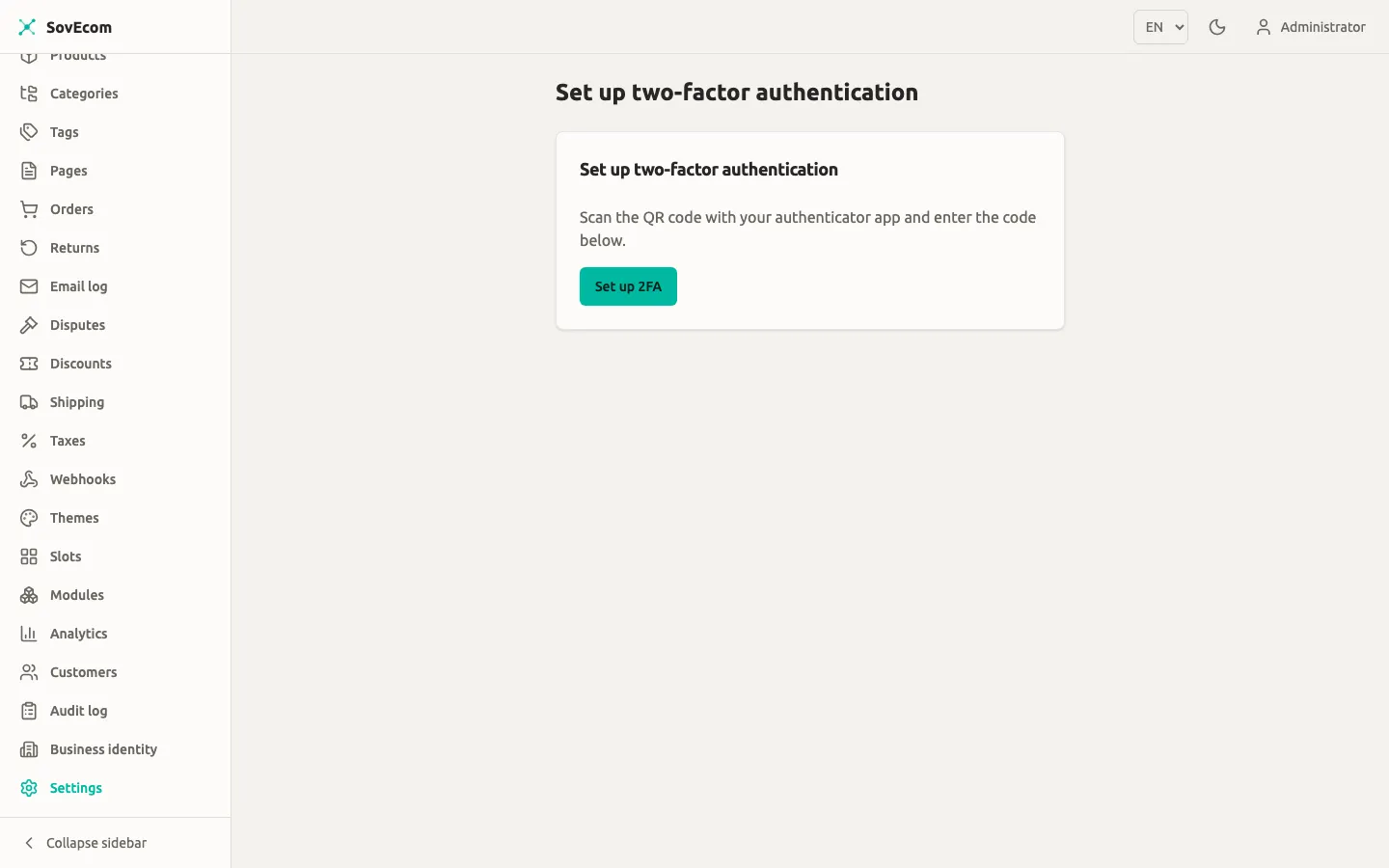
Encrypted secrets decrypt. Log in as a test account with 2FA enrolled and complete a TOTP challenge on the restored host. Success proves the master key matches the data. If the TOTP code is rejected for a known-good authenticator, your key is wrong.
6. Record and tear down
Section titled “6. Record and tear down”Write down the wall-clock time from step 1 to a green step 5. That number is your measured RTO. Note the timestamp of the dump you restored: the gap to “now” is your measured RPO for this method. Then destroy the throwaway host and its volumes so no stale copy of production data lingers.
A restore drill calendar
Section titled “A restore drill calendar”| Cadence | Action |
|---|---|
| Nightly | Automated pg_dump + key copy, both shipped off-host. Alert on a missing or undersized dump. |
| Weekly | Confirm the latest off-host dump exists and its size is in the expected range. Take a fresh pg_basebackup if you run PITR. |
| Monthly | Full restore drill on a throwaway host. Re-measure RTO/RPO. Fix anything that slowed you down. |
| After a major upgrade | Re-run the drill before you trust the new version with no rollback path. |
Data retention and what you keep in backups
Section titled “Data retention and what you keep in backups”When you keep backups, you keep personal data, so your retention obligations as the data controller cover the copies sitting in cold storage too. When a record reaches the end of its retention window in production, let retention limits on the backup store age it out of the dumps over time. Leave the old dumps unedited. Align the backup retention table above with the data-retention schedule your store operates under, and write that alignment down.
Related guides
Section titled “Related guides”- Getting Started: the stack layout, the
pgdatavolume, and the two mandatory Compose secrets. - Orders: invoice numbering and order data you are protecting.
- Customers: the personal data your retention schedule governs.